Gear · Memory Cards
You're Using the Wrong Memory Card for 4K 60fps on Sony Cameras
Lexar V60, SanDisk V90, or CFexpress Type-A? I tested record times and transfer speeds on my Sony A7V so you can pick the right card — and stop overpaying or running out of room.

Let's talk about memory cards — specifically, which ones handle 4K 60fps the best on Sony cameras. There are three real options: standard SD cards, faster SD cards, and CFexpress Type-A. I ran record-time and transfer-speed tests on all of them using my Sony A7V, so you can skip the guesswork and buy the right one.
SD Cards: Start With the Lexar V60
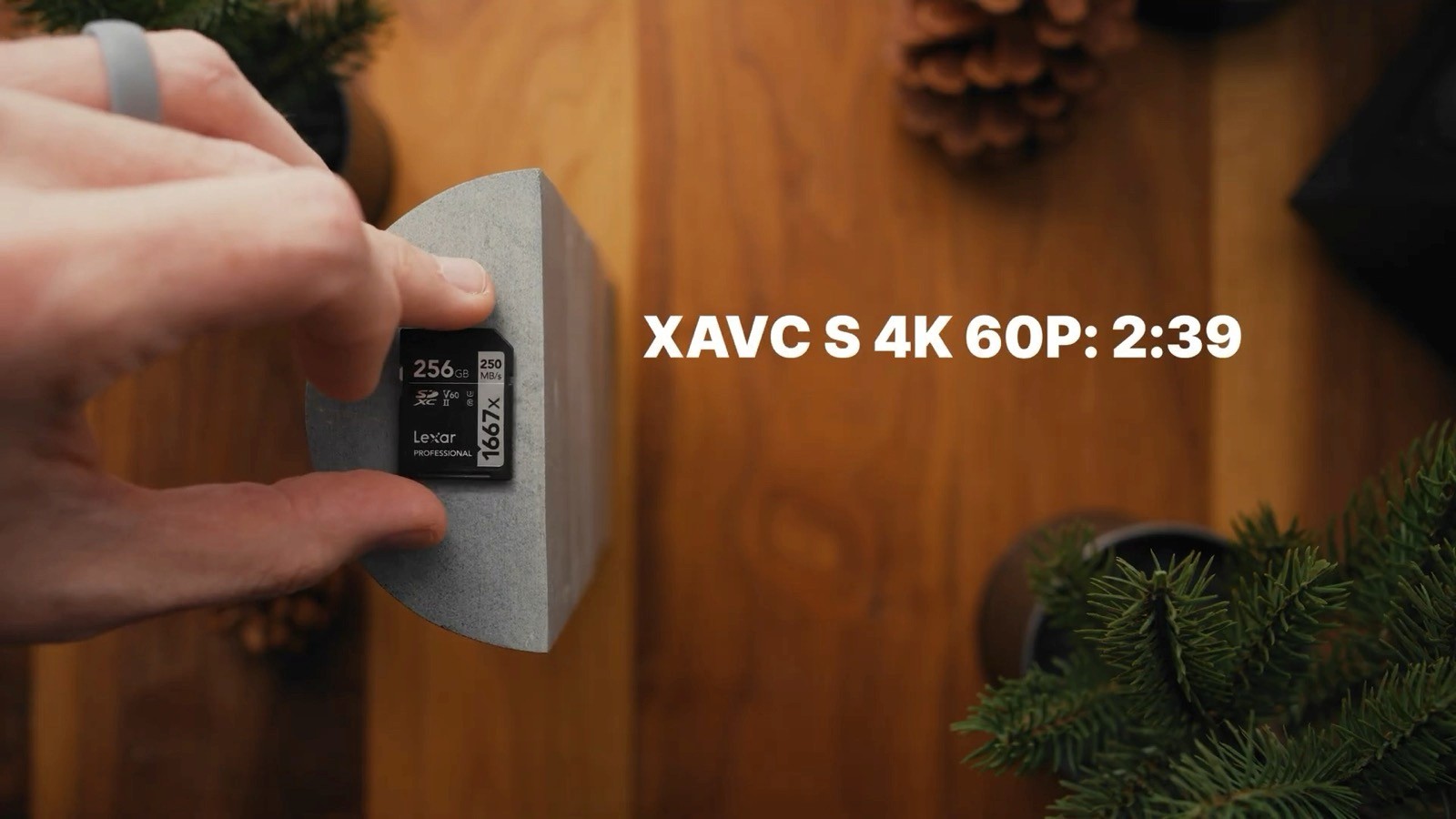
Most people start with SD cards, and honestly, for a lot of shooters that totally makes sense. This is the Lexar 256GB V60 card. At the time of filming, it retails for $79.99. Using the Sony A7V as an example, here are the record times: XAVC S 4K 60p gets you 2 hours 39 minutes, and 4K 24p gets you 5 hours 18 minutes.
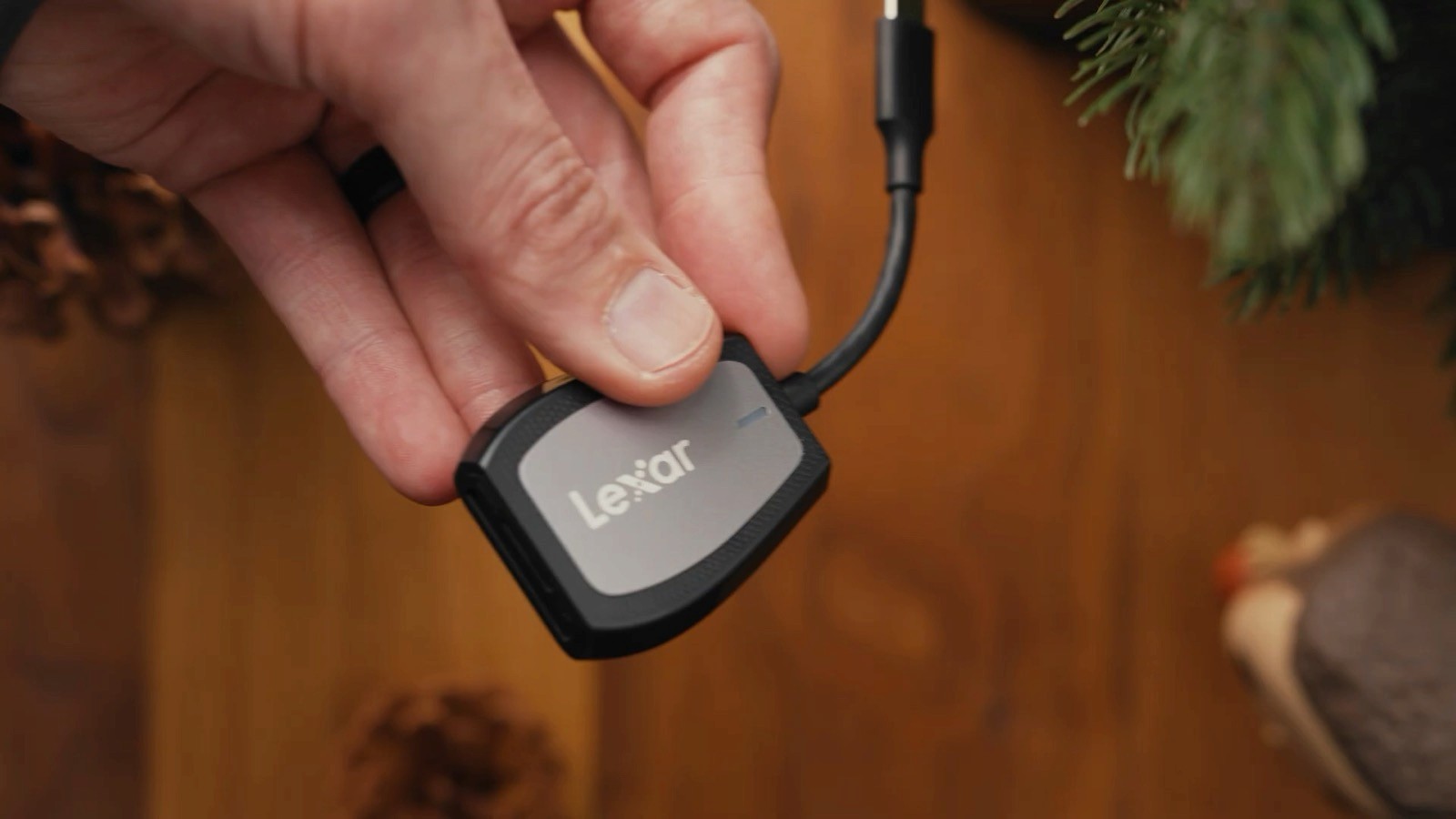
For transfer speeds, I moved 216GB to an external SSD using the Lexar SD card reader. The V60 did it in 14 minutes 1 second. It's reliable, it's affordable, and for most people it's all you need.
Want More Breathing Room? The SanDisk V90
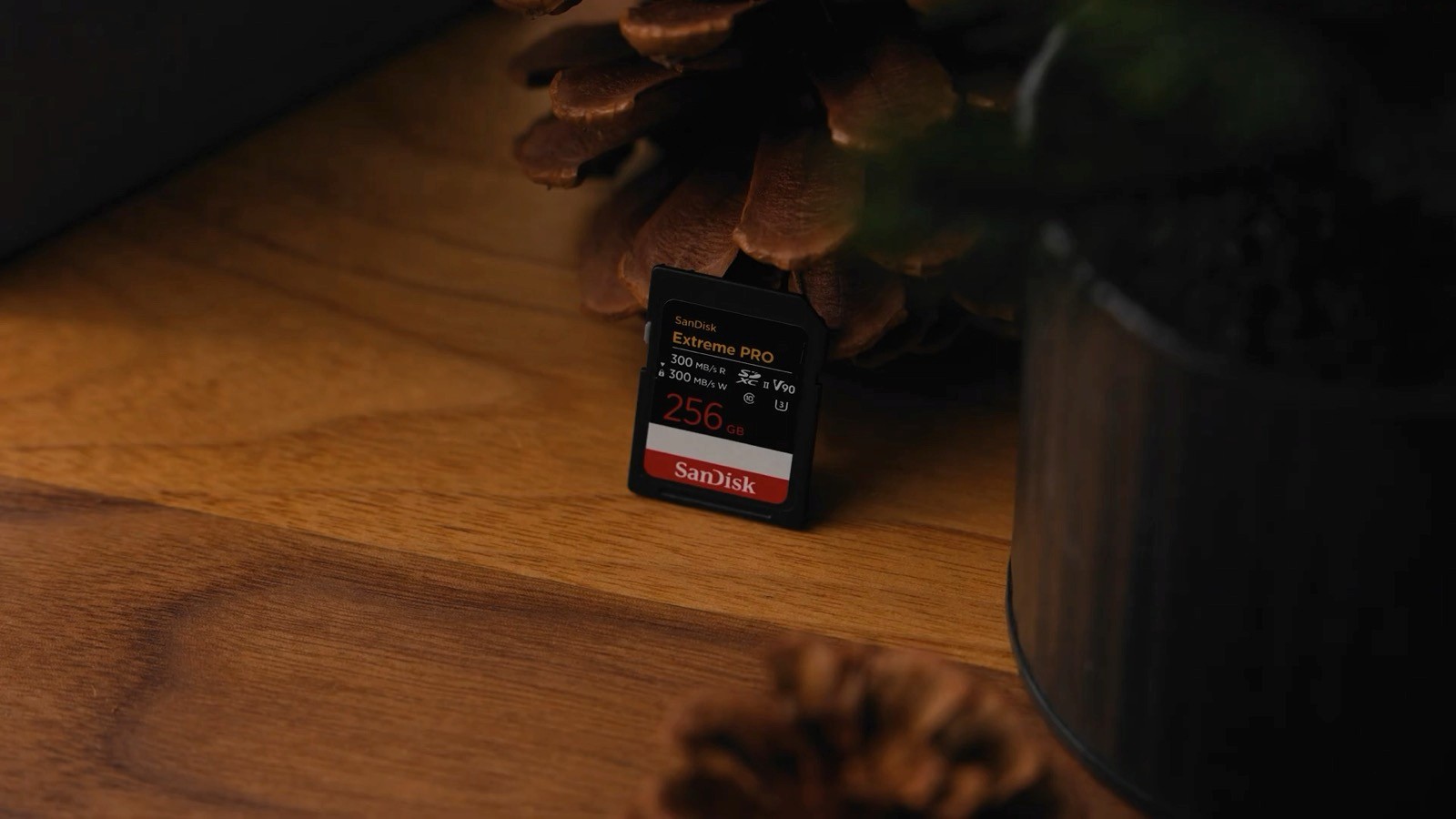
If you want a little more headroom, this is the SanDisk 256GB V90. It unlocks support for additional recording codecs on Sony cameras. At the time of filming it retails for $219.99 — same capacity, faster speeds. That same 216GB transfer took 13 minutes 1 second, about a minute faster than the V60, and it opens up those extra codecs.
CFexpress Type-A: Where Sony Really Opens Up
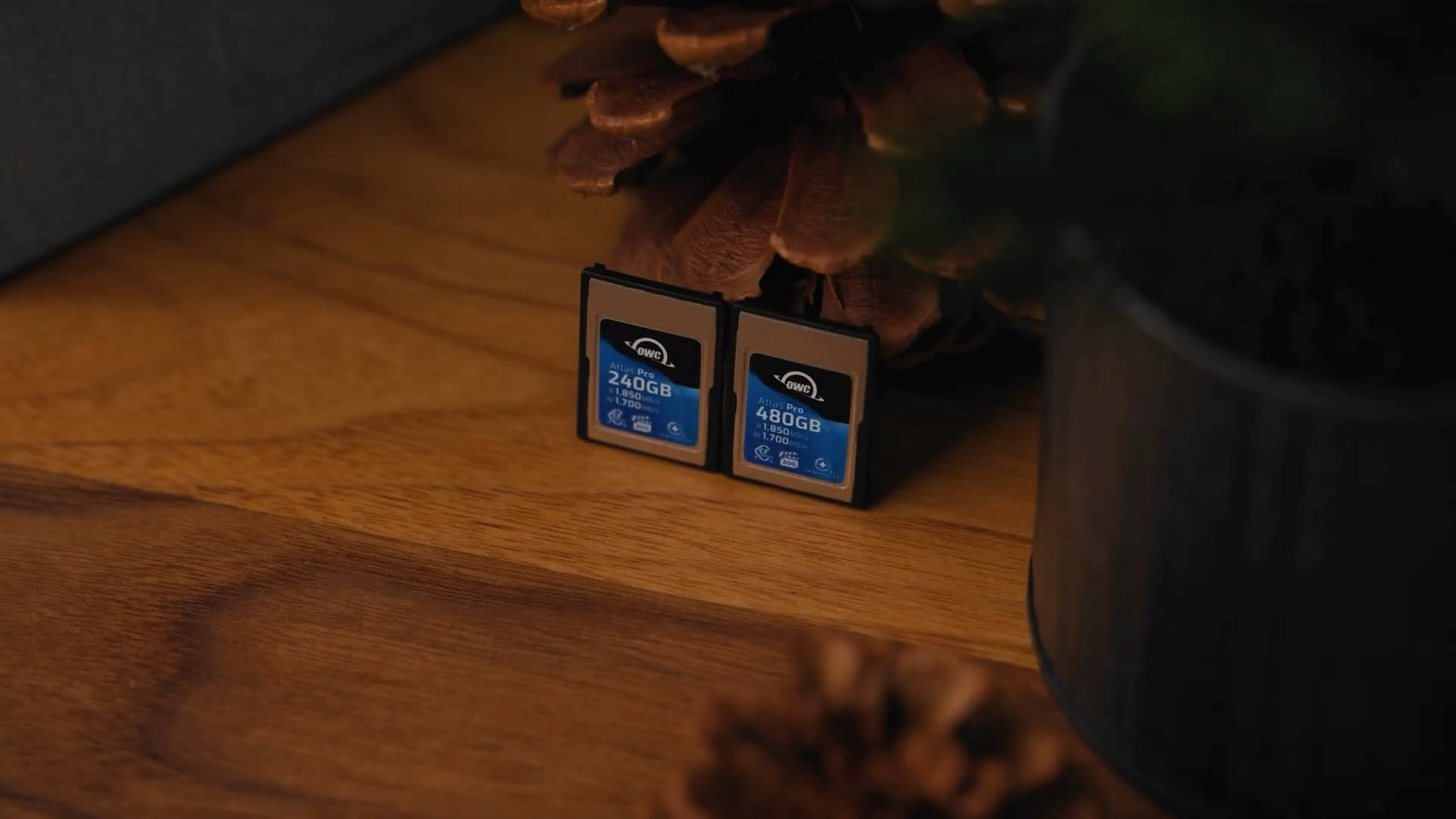
Now the fun ones. CFexpress Type-A cards are smaller and a lot faster, and this is where Sony cameras really open up — with Type-A there are no codec or frame-rate limits. These are the OWC Atlas Pro Type-A cards, a 240GB and a 480GB. At the time of filming, the 240 is $99.99 and the 480 is $169.99.
Record times on the 240GB: 4K 60 gets 2 hours 25 minutes, 4K 24 gets 4 hours 51 minutes. On the 480GB: 4K 60 gets a huge 4 hours 53 minutes, and 4K 24 gets 9 hours 48 minutes. Using the OWC Type-B to Type-A reader for the fastest speeds, both cards transferred that 216GB in just 2 minutes 20 seconds. That's a lot faster.
| Lexar V60 | SanDisk V90 | OWC Type-A | |
|---|---|---|---|
| Price (256GB) | $79.99 | $219.99 | $99.99 / $169.99* |
| 4K60 record time | 2h 39m | ≈ V60, +codecs | 2h 25m – 4h 53m |
| 216GB transfer | 14:01 | 13:01 | 2:20 |
| Codec / fps limits | 4K60 fine | Extra codecs | None |
- Price
- $79.99
- 4K60 record
- 2h 39m
- 216GB transfer
- 14:01
- Codec / fps limits
- 4K60 fine
- Price
- $219.99
- 4K60 record
- ≈ V60, +codecs
- 216GB transfer
- 13:01
- Codec / fps limits
- Extra codecs
- Price
- $99.99 / $169.99*
- 4K60 record
- 2h 25m – 4h 53m
- 216GB transfer
- 2:20
- Codec / fps limits
- None
*OWC Type-A pricing shown for 240GB / 480GB. Prices at time of filming.
The Simple Breakdown

Want something affordable that handles 4K 60 just fine? Go with the Lexar V60 — they're only $80.
Want a faster, more reliable SD card? The SanDisk V90 is the move. Most Macs have a built-in SD reader, so it's super convenient.
Want the best performance and transfer speed? Go with the CFexpress Type-A cards — you'll just need to pick up a Type-A card reader too.
Personally, I run a Type-A card as my main and an SD card as a backup — best of both worlds. All the links are below.
Gear from this post
Jason Shelton is the founder of Rayne Films, a wedding film studio based in Orange County, California.